Cozystream
Plex mixed ads into my library, charged for remote streaming, and ran everything through its cloud. I wanted my movies, shared with a few people, kept local.
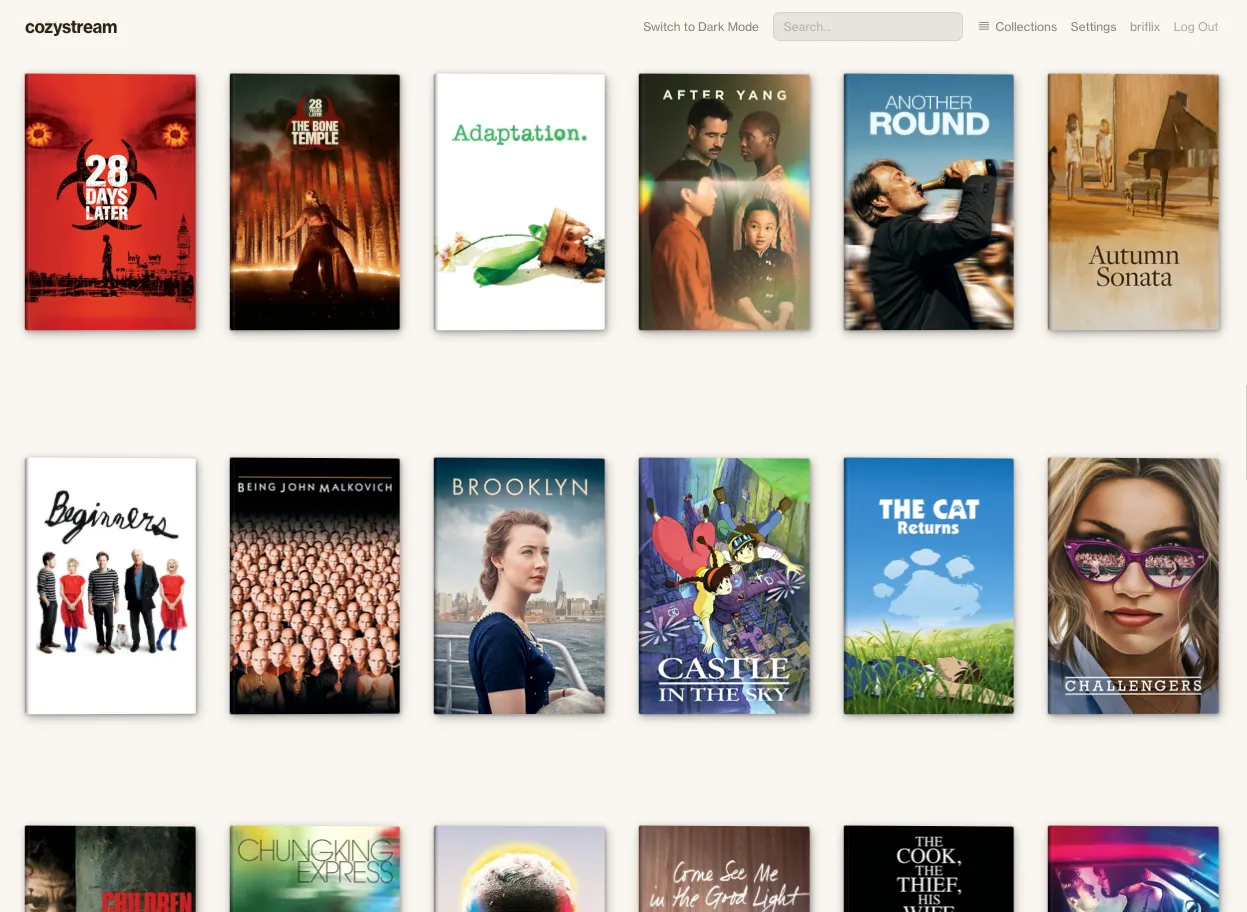
Just my library. Nothing else.
Me. The admin. I add movies, organize collections, and fix metadata.
My partner. Open, scroll, pick a movie, resume where she left off.
Her parents. Not technical, watching on an LG TV with a remote. If it doesn't just work, they'll call us.
- The library is the UI. Posters front and center, minimal chrome around them.
- Zero learning curve. If you've used Netflix, you already know how this works.
- Built for a TV remote. If it works with four arrow keys and an OK button, it works for everyone.
- Make it feel like yours. Themes, colors, fonts, and spacing are all adjustable. A personal media server should feel personal.
Six themes, eight accent colors, four font controls, and layout settings for card size, spacing, and density. Every change applies instantly. The accent picker checks contrast and suggests alternatives when a color doesn't read.
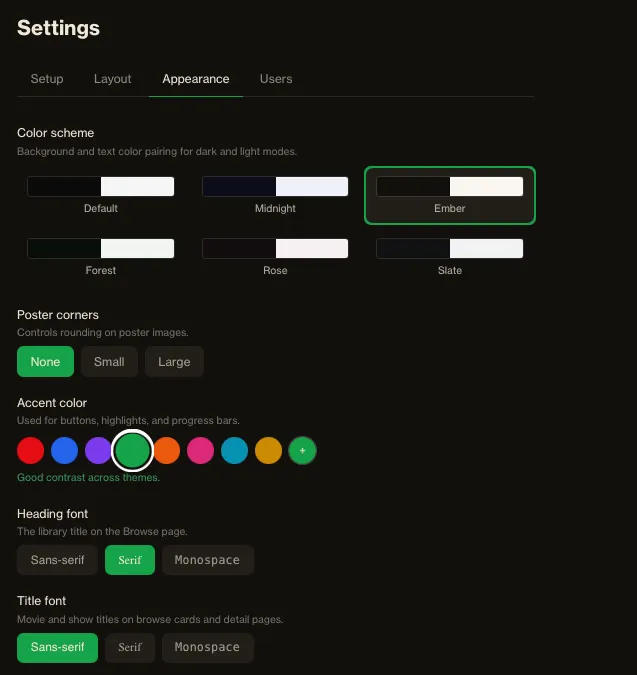
Appearance settings: theme grid, accent picker, font options
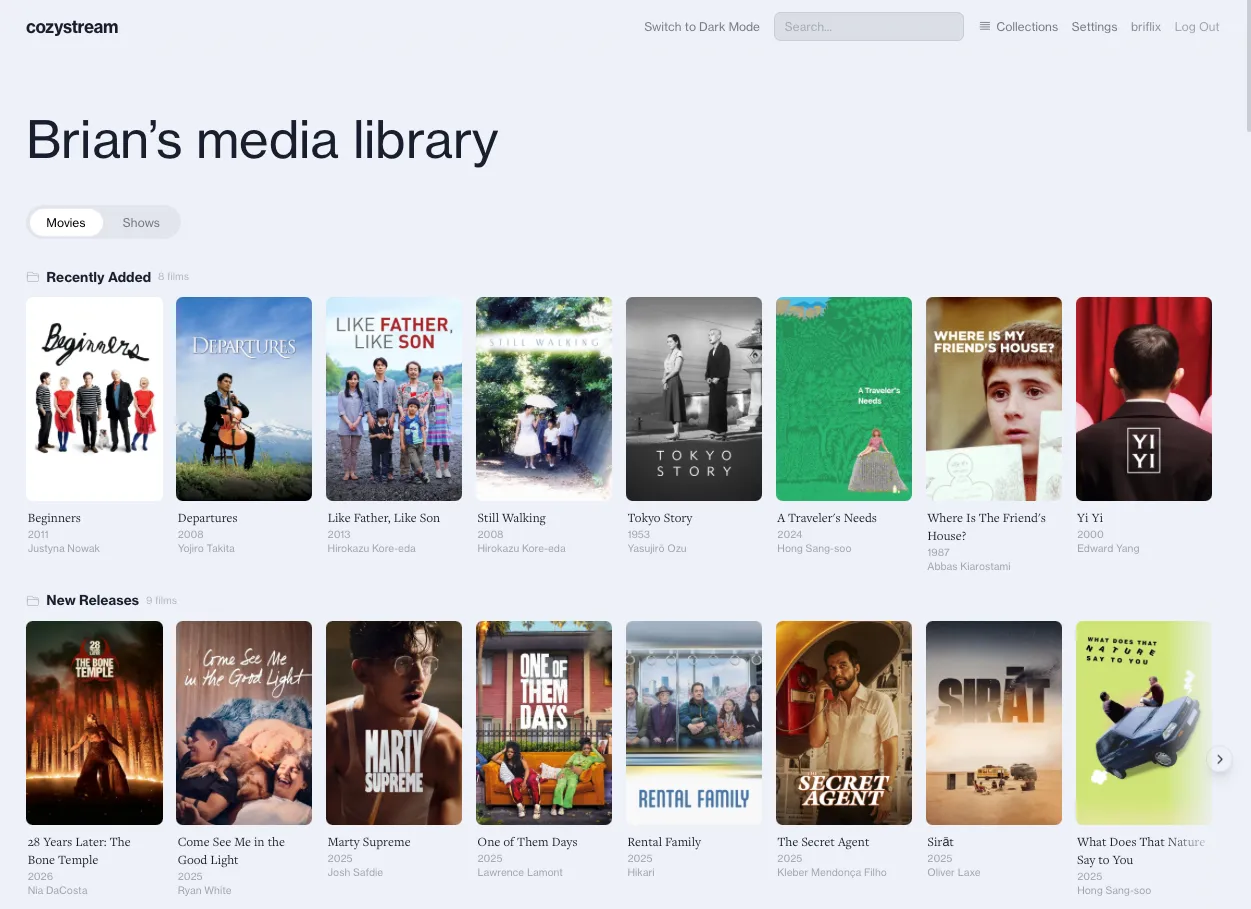
Same view, different themes
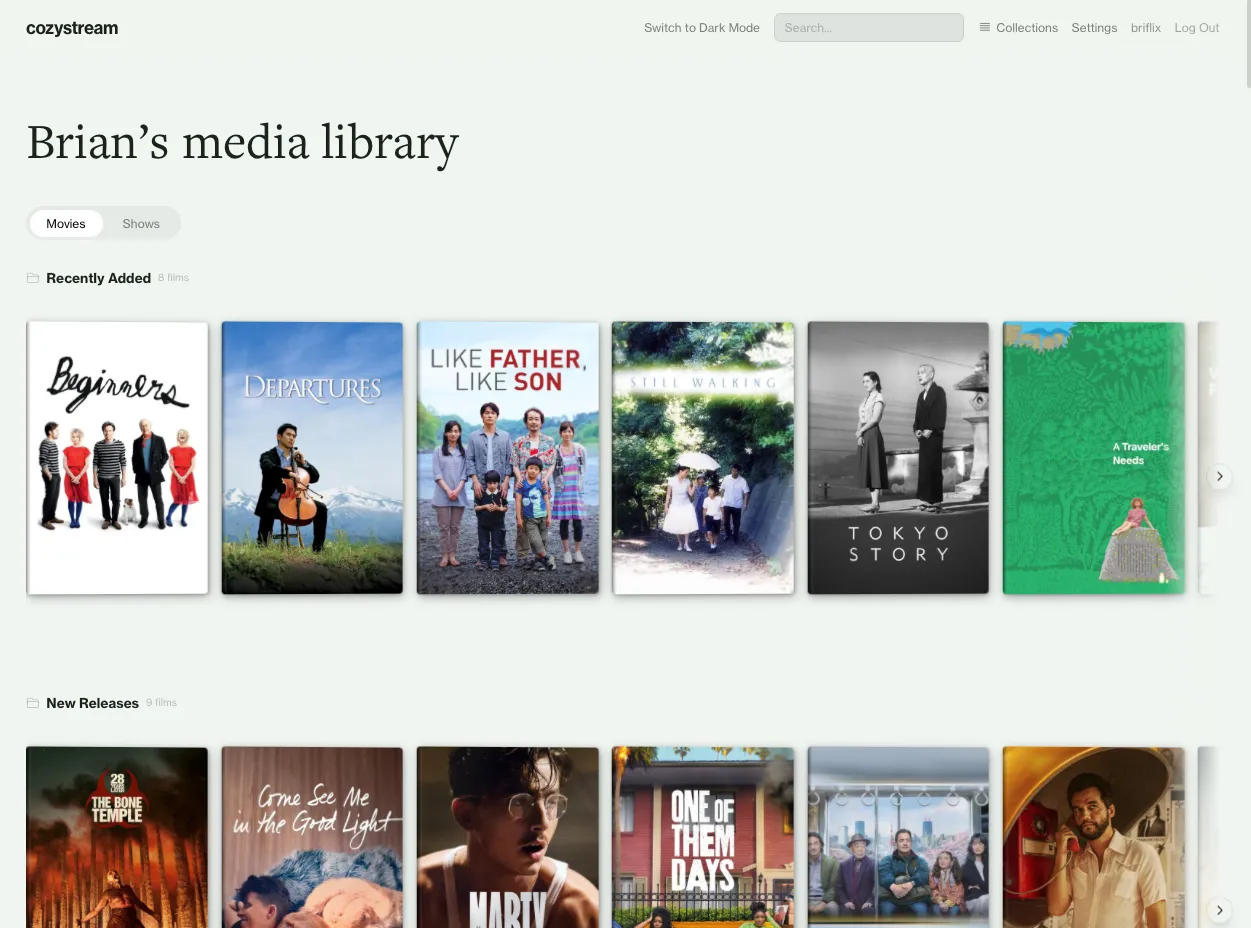
DVD Case mode
DVD Case mode is a nod to browsing a shelf. It swaps the flat grid for 3D cases with spines, and hovering lifts the poster off a label underneath. No more functional than the default, just more physical.
Poster rows. Some I curate ("Studio Ghibli," "Watch with Mom"), some generate themselves by genre, director, or decade.
Collection rows with the full grid below
Three layouts, same hierarchy. Backdrop mode adds blur and tint controls so text stays readable over any image.
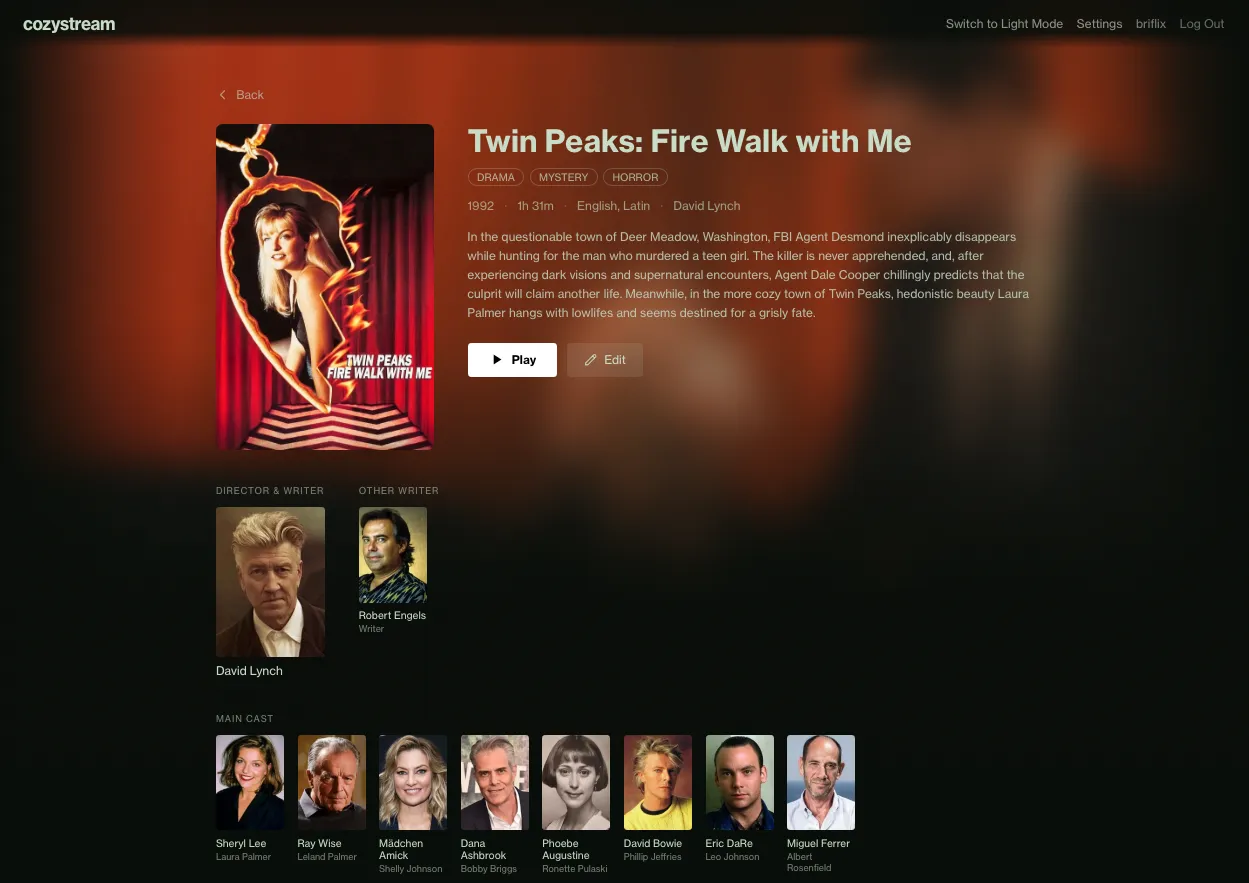
Backdrop layout
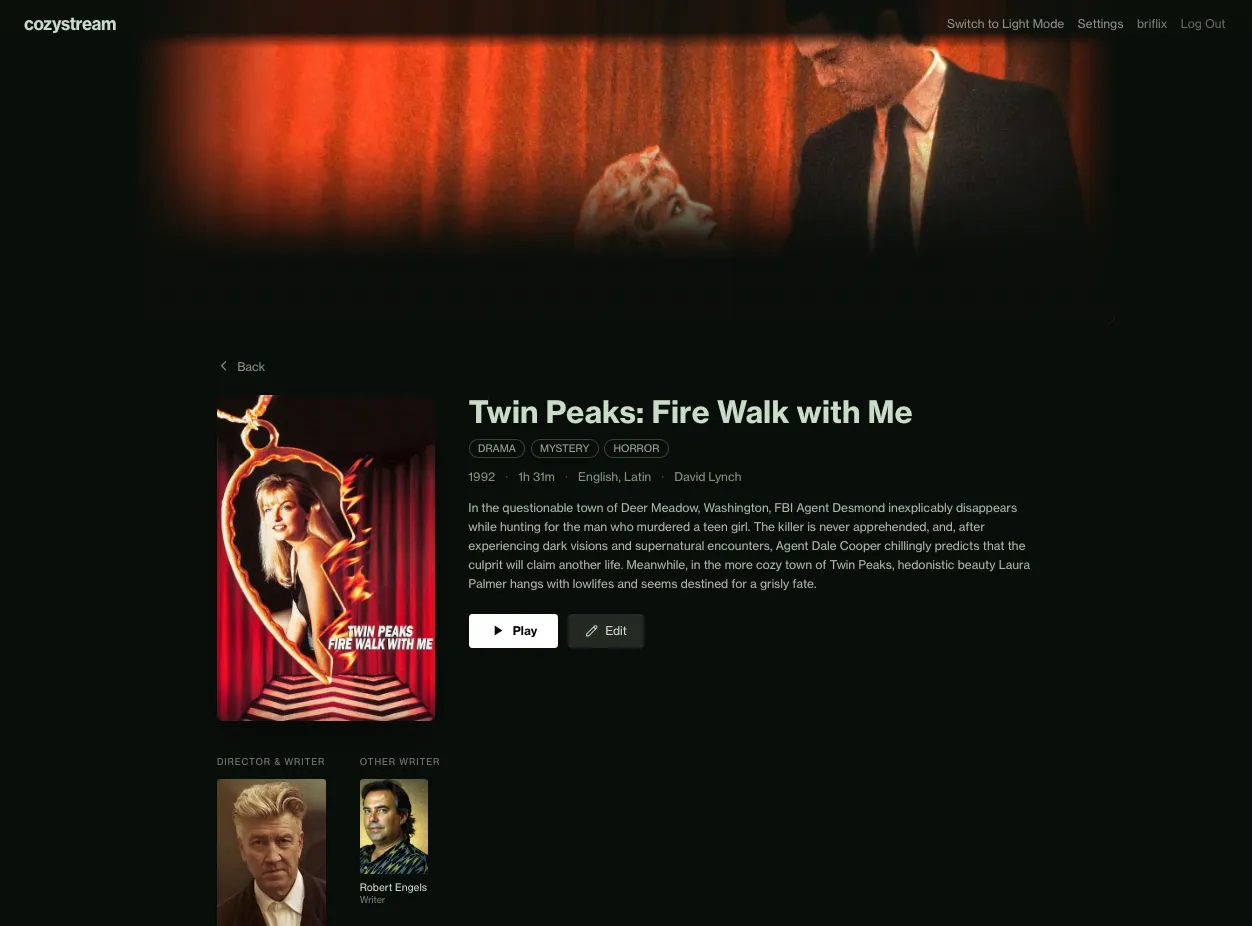
Header layout
Cozystream doesn't always pull the right metadata. Search for the correct movie, select it, done.
Searching and swapping to the correct movie
The default poster isn't always the best one. Pick from a set pulled off the web, with no uploading or file hunting.
Choosing from available poster options
Controls hide during playback and come back on mouse movement. When the browser can't play a file natively, the server transcodes it to HLS with FFmpeg. The user just presses play.
Controls appear on hover, then fade out
In progress. A visible focus ring moves between elements with the arrow keys, running as a web app inside LG's webOS and Samsung's Tizen browsers. Screenshots coming soon.
I designed and built Cozystream, using Claude Code as part of my workflow across Angular, Node.js, FFmpeg, and SQLite. The layout system, customization approach, TV navigation, and information hierarchy are my decisions. Working this way, I can design a feature and be using it the same day.
- Getting it in front of my partner and her parents, then redesigning around what they tell me
- A guided onboarding flow for non-technical first-time setup
- A real responsive pass for phone and tablet
- More customization options
- An accessibility audit beyond the contrast checker