Scale Worlds
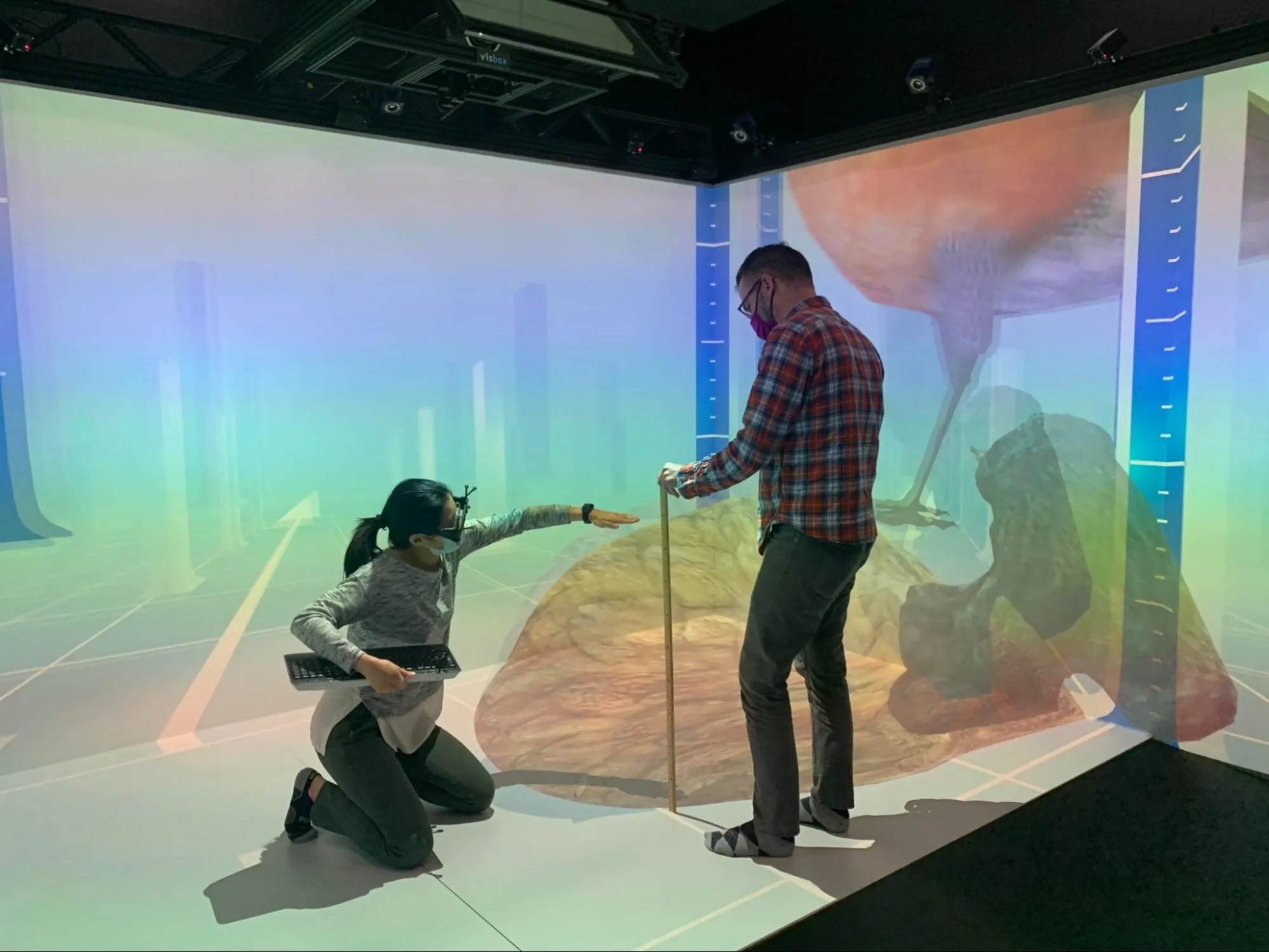
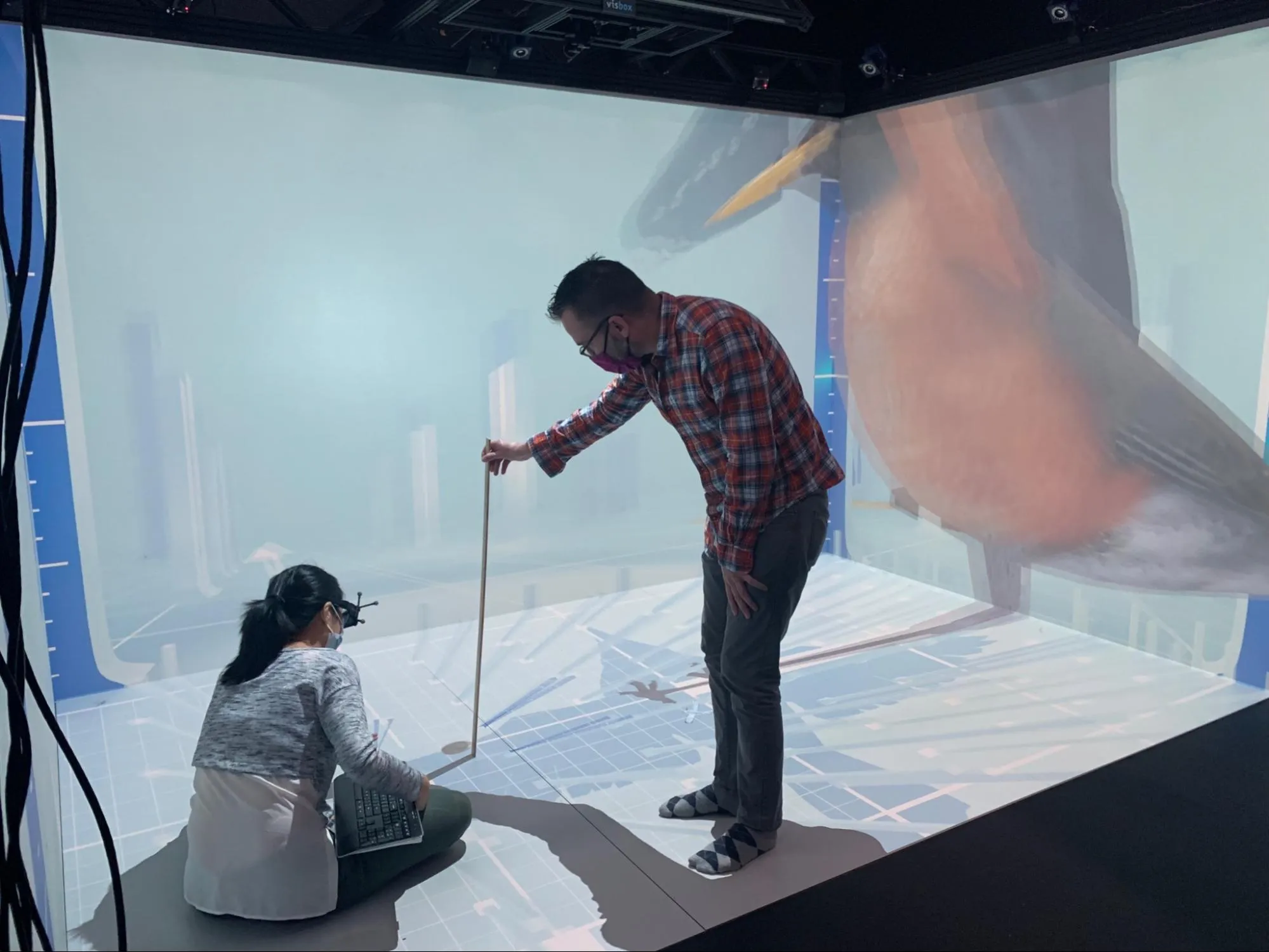
Scale Worlds helps students understand size and scale. It was funded through a National Science Foundation award, Virtual Reality to Improve Students' Understanding of Scale in STEM.
For two years I worked under Dr. Matthew Peterson, alongside faculty and doctoral students in Human Factors Engineering and STEM Education. I planned user experiences, coded in C#, modeled in Blender, developed in Unity, and managed three design technicians.
We grounded the design in Alejandra Magaña's Framework for Size and Scale Cognition, which identifies the core concepts students need to grasp scale. Results from our first round of usability studies were published in a Human Factors journal.
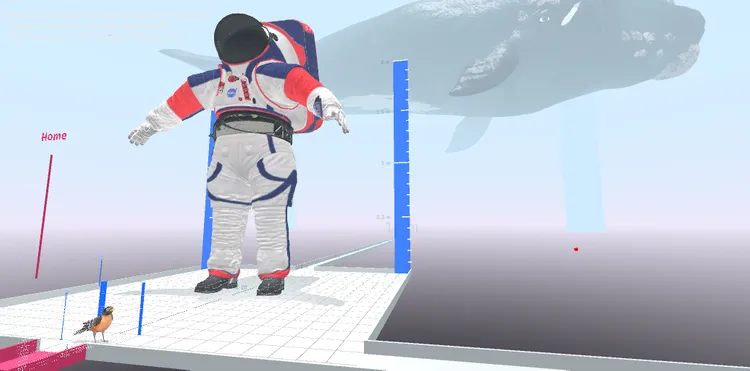
We prototyped heavily to figure out how users might navigate across extreme scales. These sketches set the visual language that carried through to both final builds.
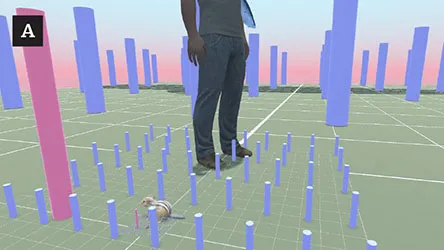
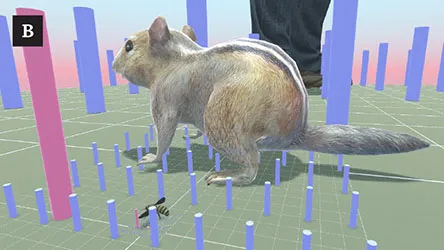
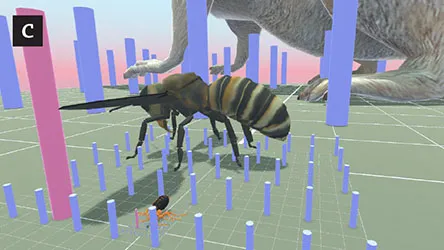
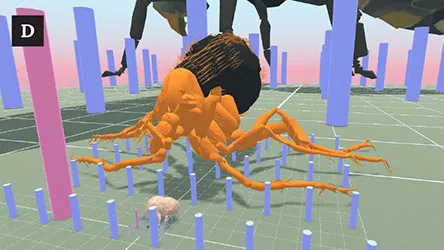
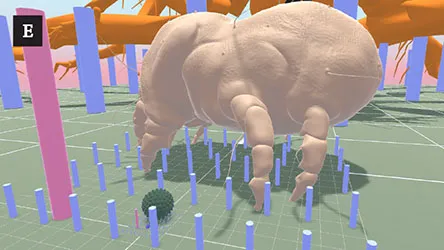
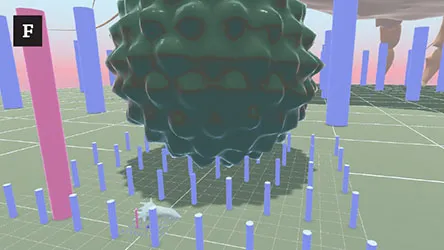
Most students don't have VR equipment, so we built a web version. That meant moving an immersive experience to a flat screen without losing the learning objectives.
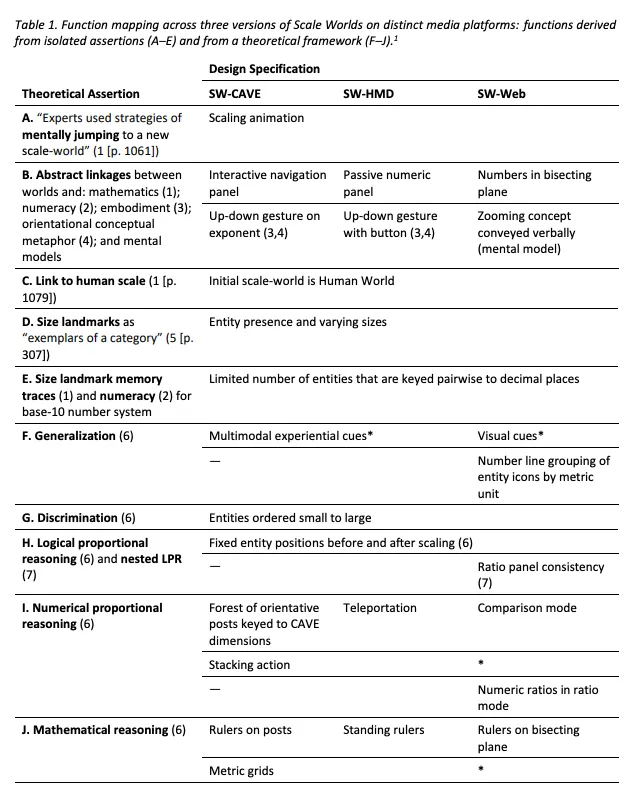
To manage the move from VR to web, our team developed a design methodology we call function mapping. We wrote a paper about the process, Preserving theoretically-grounded functions across media platforms in interaction design, which I presented at IASDR 2023 in Milan.
We charted specific features against each learning concept, so we could watch the core objectives survive the move to web even as the two interfaces diverged.
We studied how others visualize scale, from the Eames' Powers of Ten to Nikon's Universcale to textbook diagrams, looking for where we could do something new.
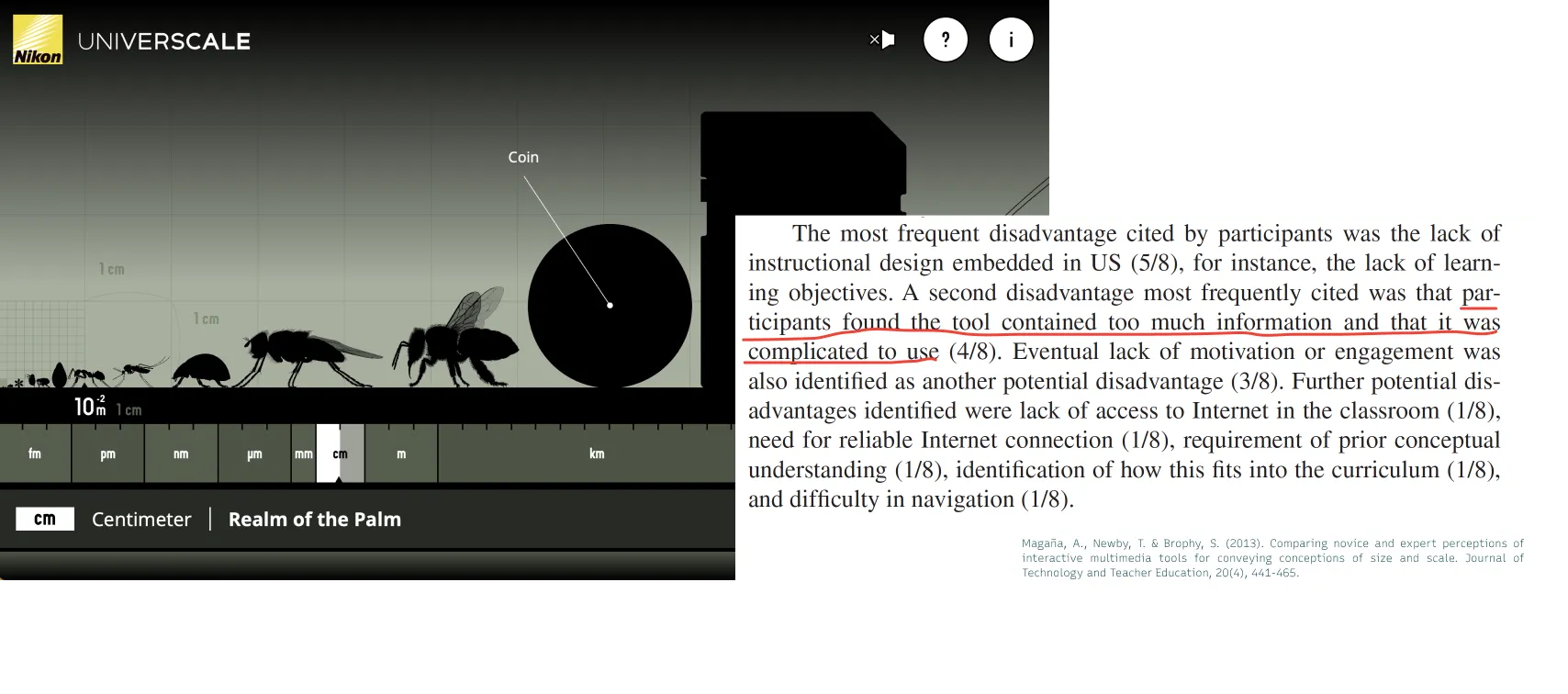
Universcale by Nikon
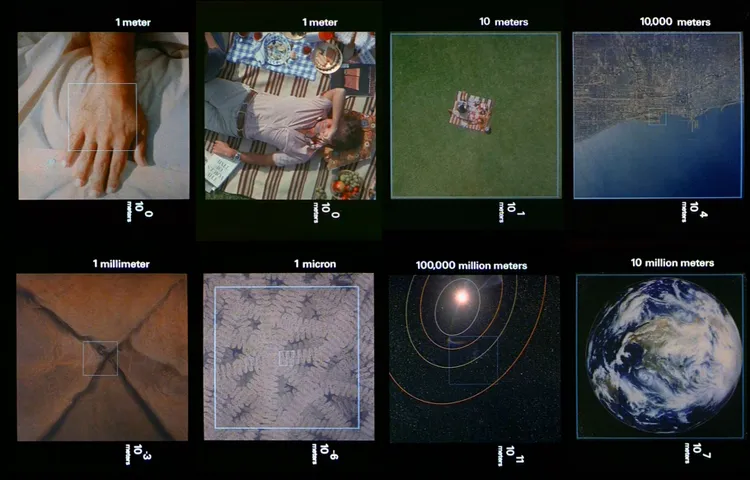
Eames' Powers of Ten (1977)
I sketched interfaces on paper and in Figma, then built them into a working prototype with HTML, CSS, JavaScript, and Three.js. You can try the live build yourself.
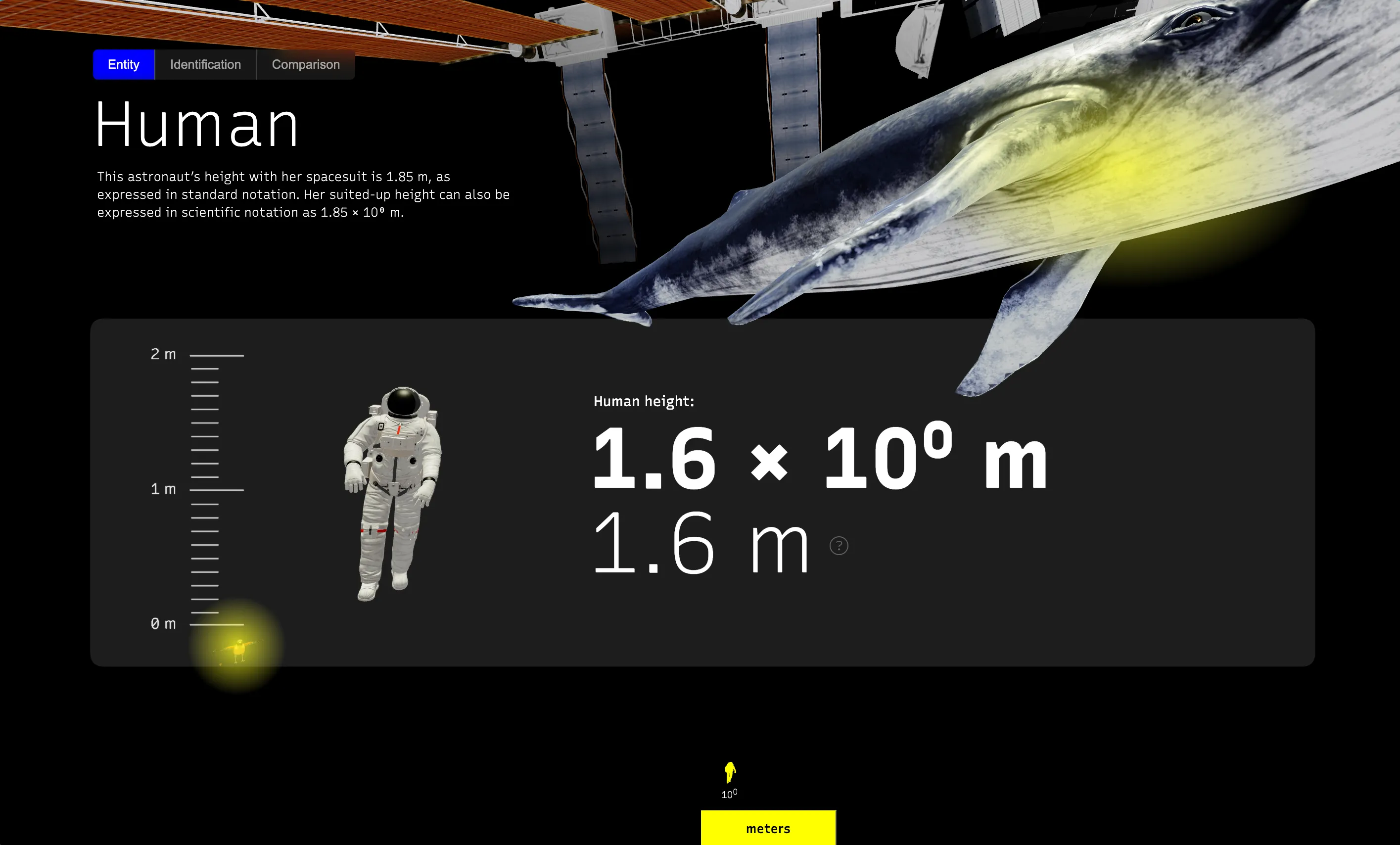
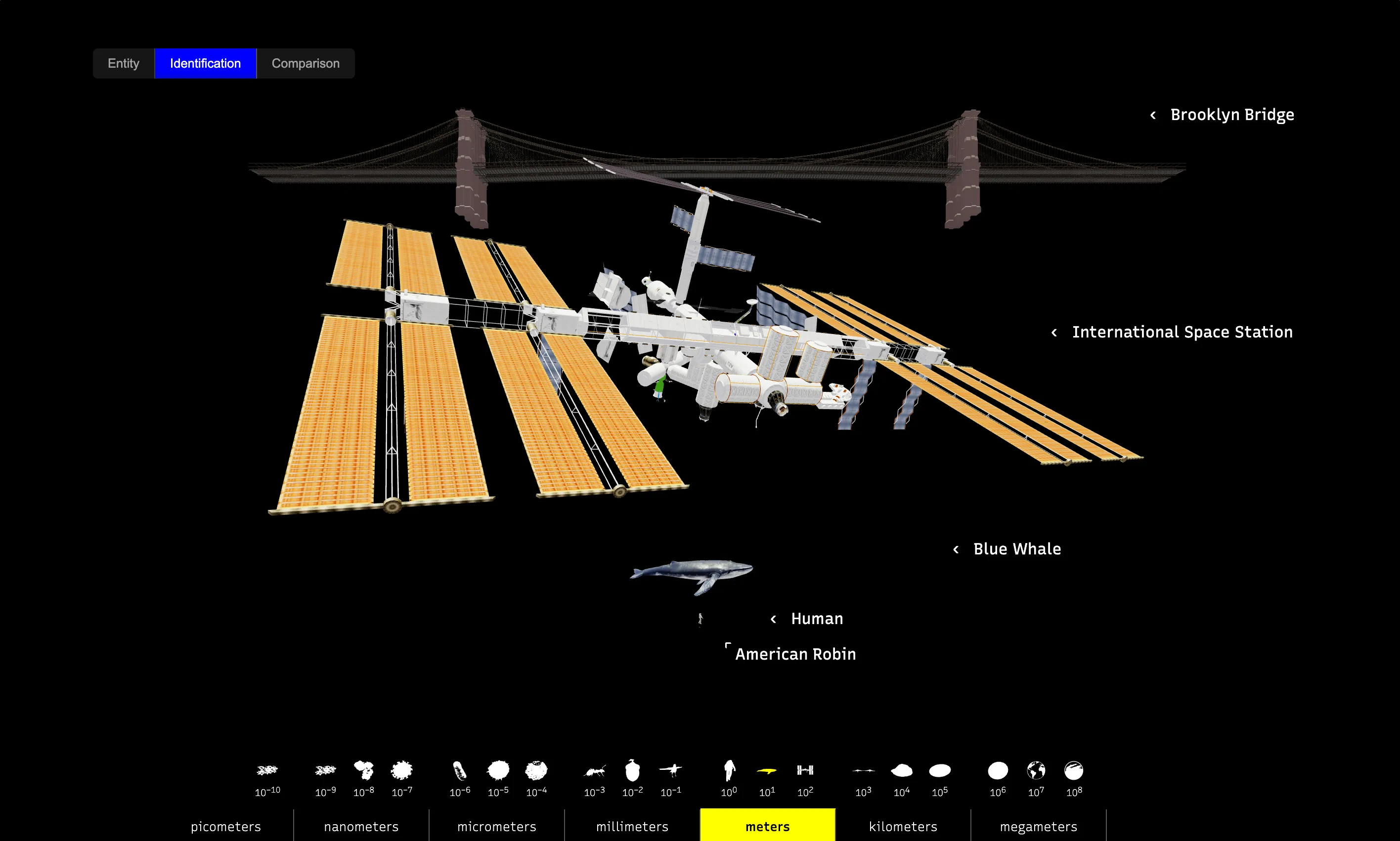
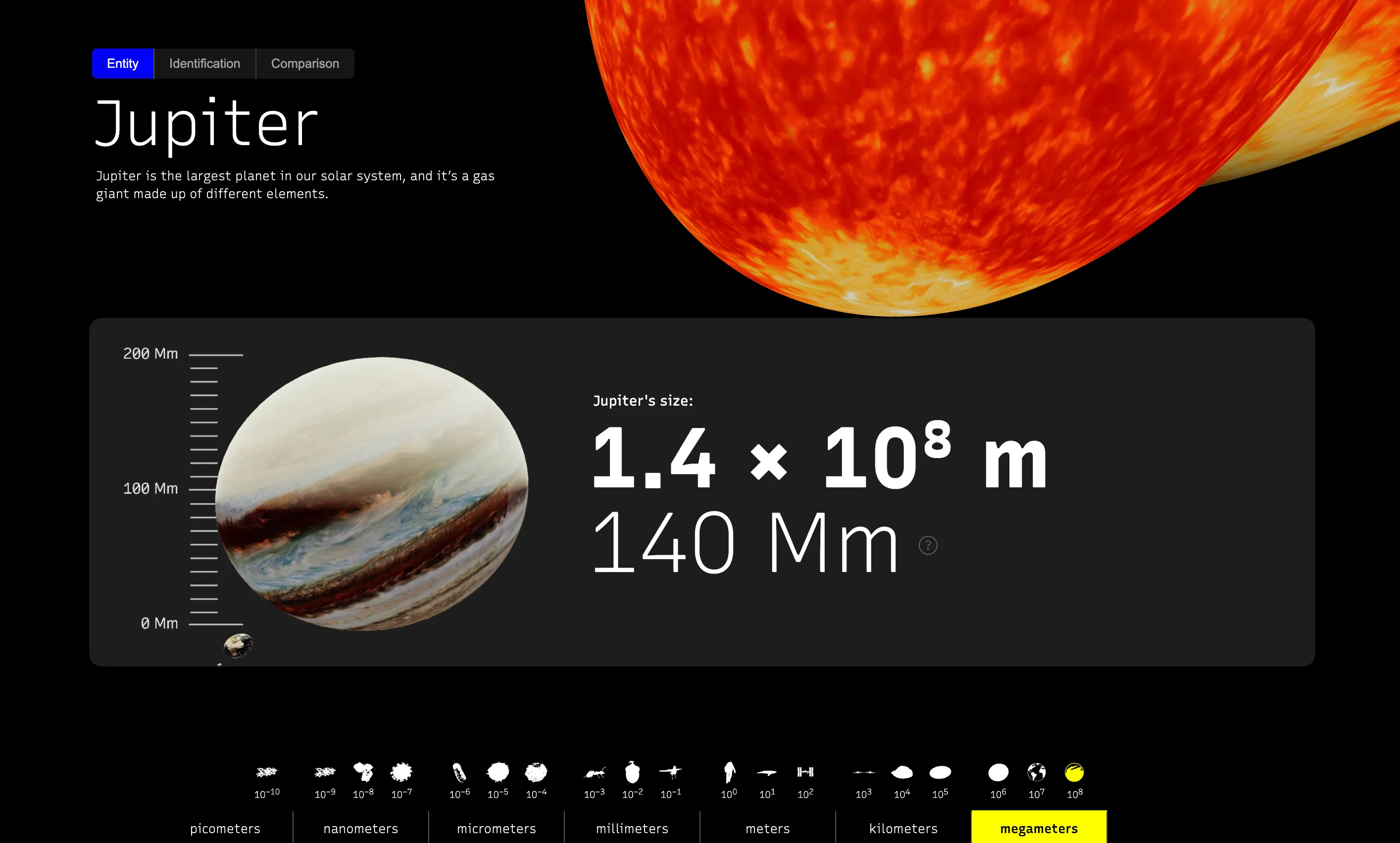
We built for two VR platforms, a room-scale CAVE and consumer head-mounted displays. Each let students experience scale with their whole body.
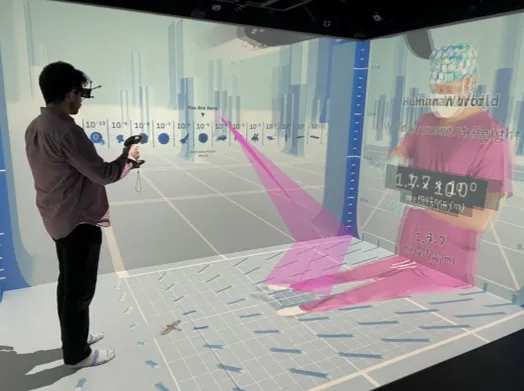 Cave Automatic Virtual Environment (CAVE)
 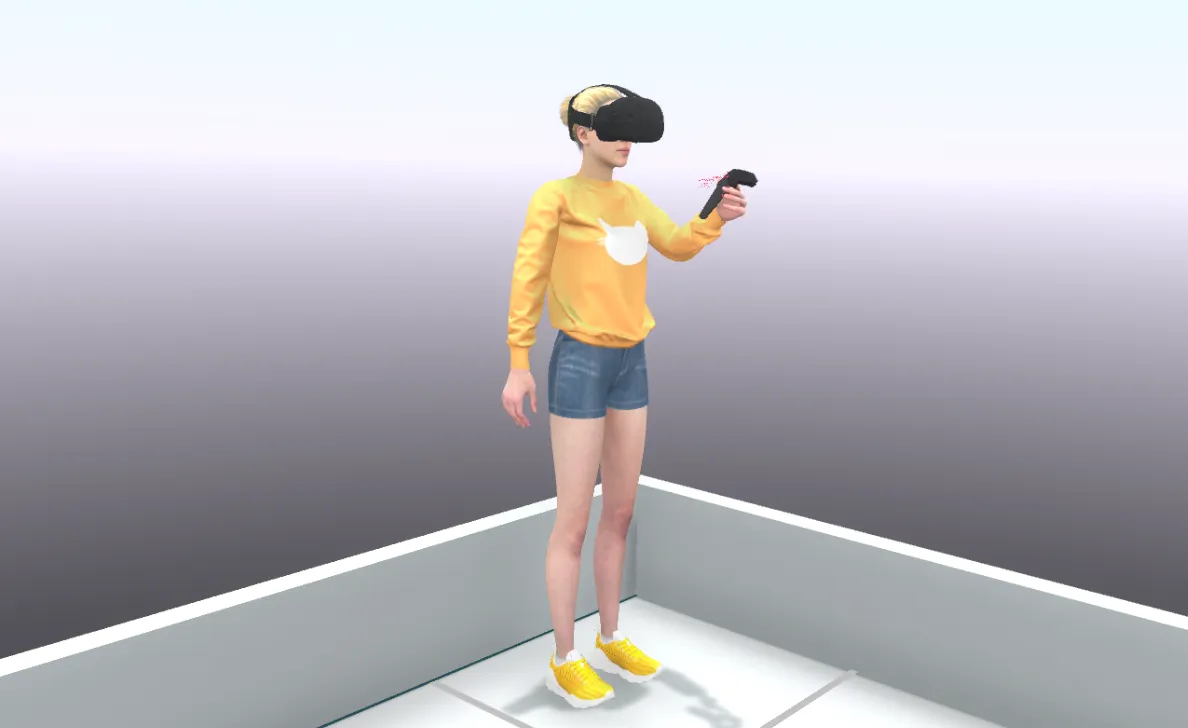 Head Mounted Display (HMD)
 We organized the environment into three layers, each with its own job in the learning experience.
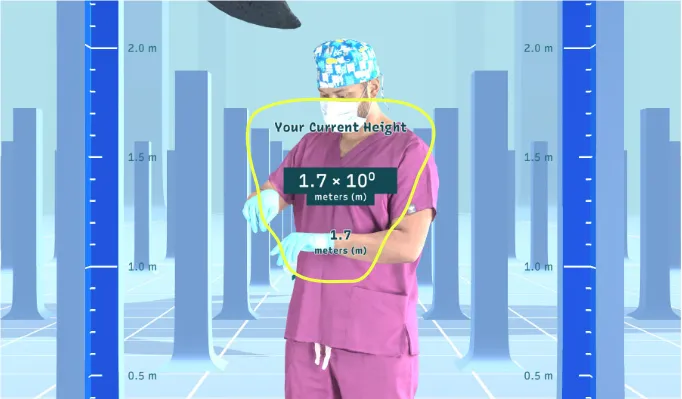
User interface: flat interactive elements
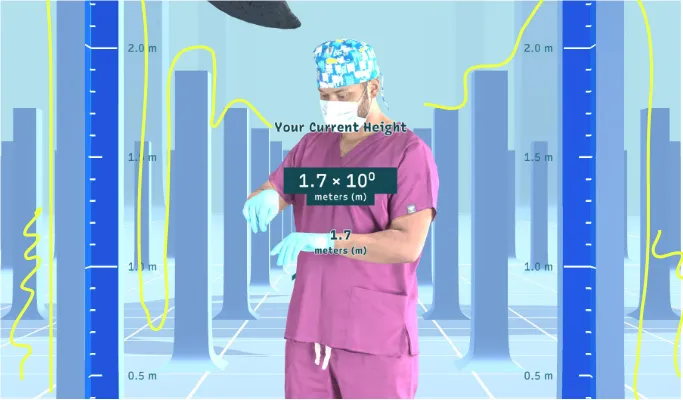
Armatures: three-dimensional structural elements
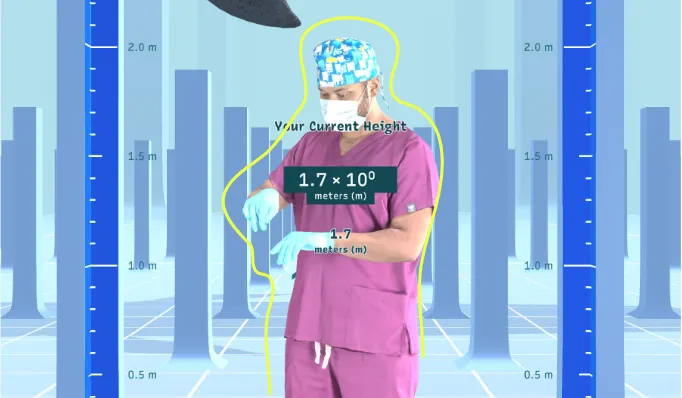
Entities: animals, stars, atoms, and cells as scale landmarks
Scaling mirrors the math students already see in class. You change the exponent in scientific notation, or move the decimal place in standard notation.

Animation showing decimal place movement
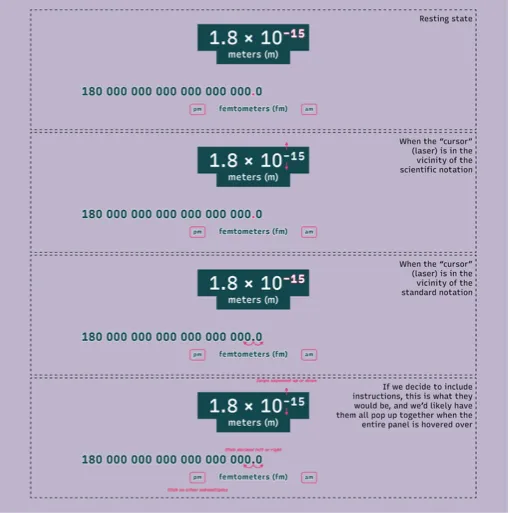
Numeric panel interface for scale navigation
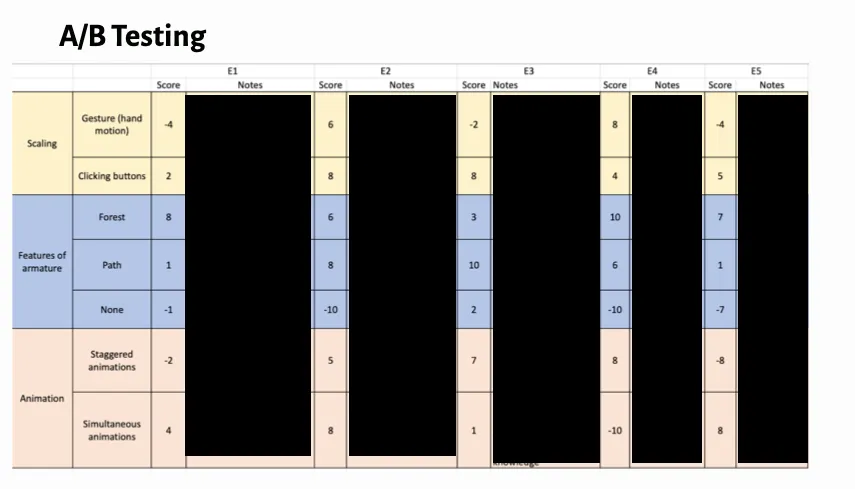
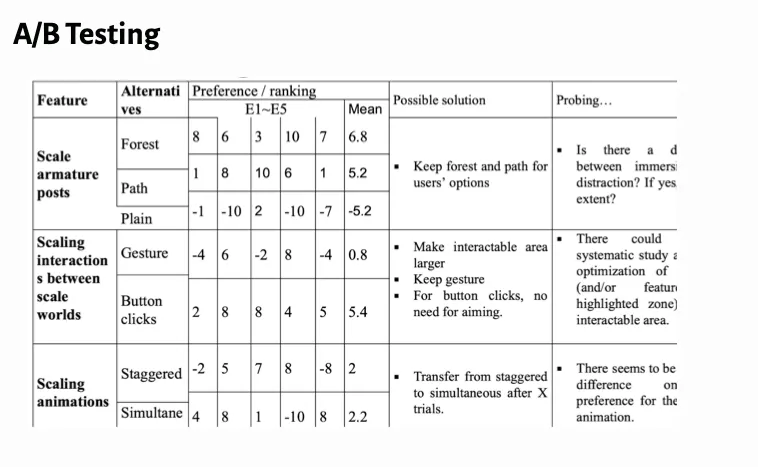
We tested multiple environment schemes with interface experts. Those studies shaped how we handled spatial organization, entity placement, and navigation.
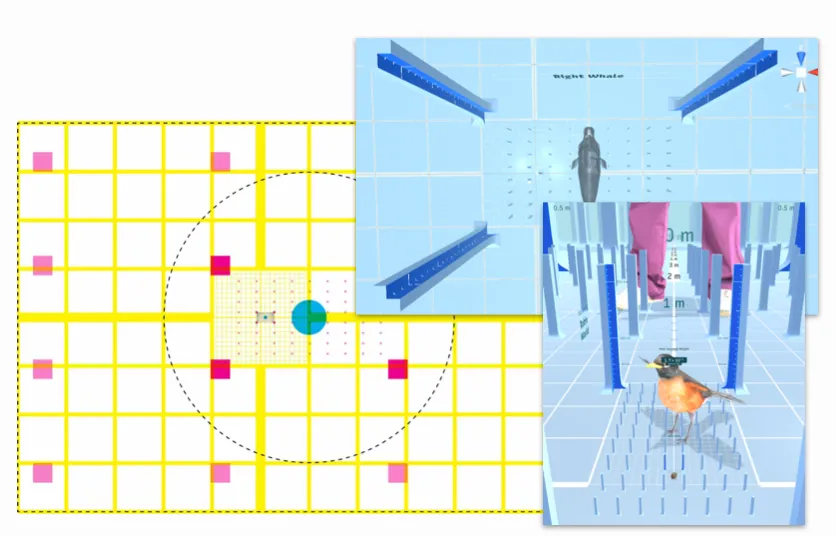
Forest environment variant
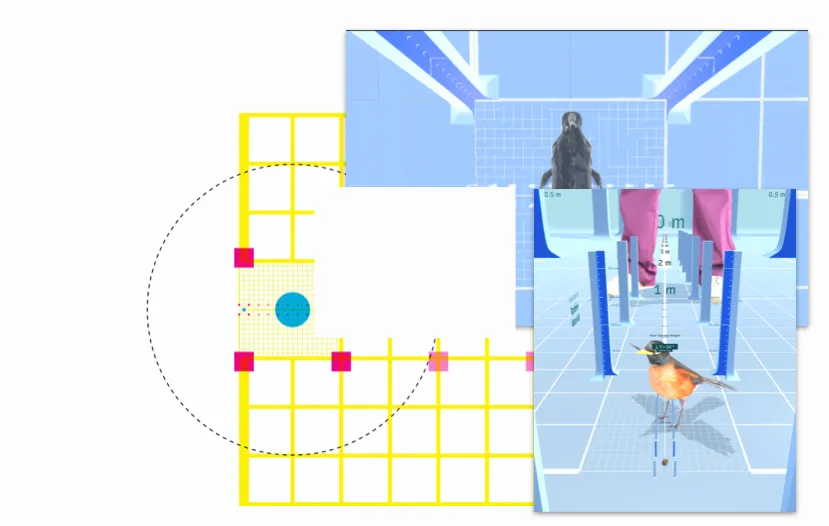
Path environment variant
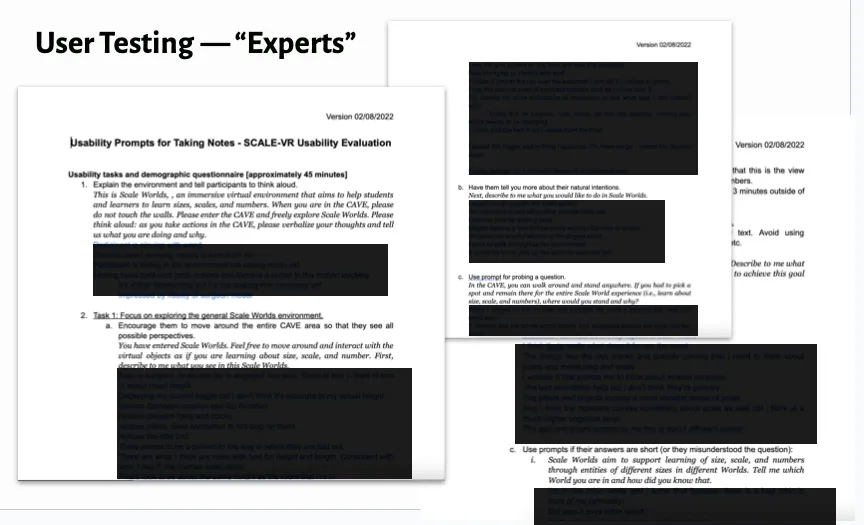
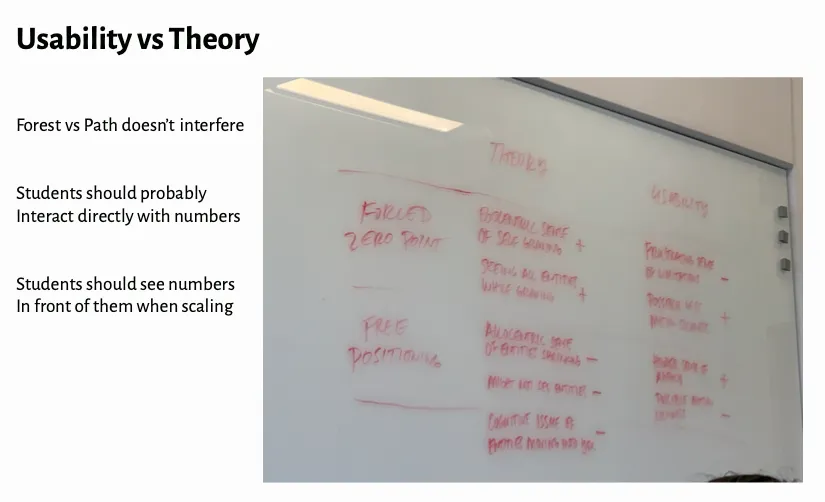
I helped run two rounds of qualitative usability studies. They taught us how users actually think about scale, and forced some useful arguments about usability versus theoretical grounding.